Adobe Premiere Pro Plugin - Now Available

Add Captions to Your Videos
in Seconds

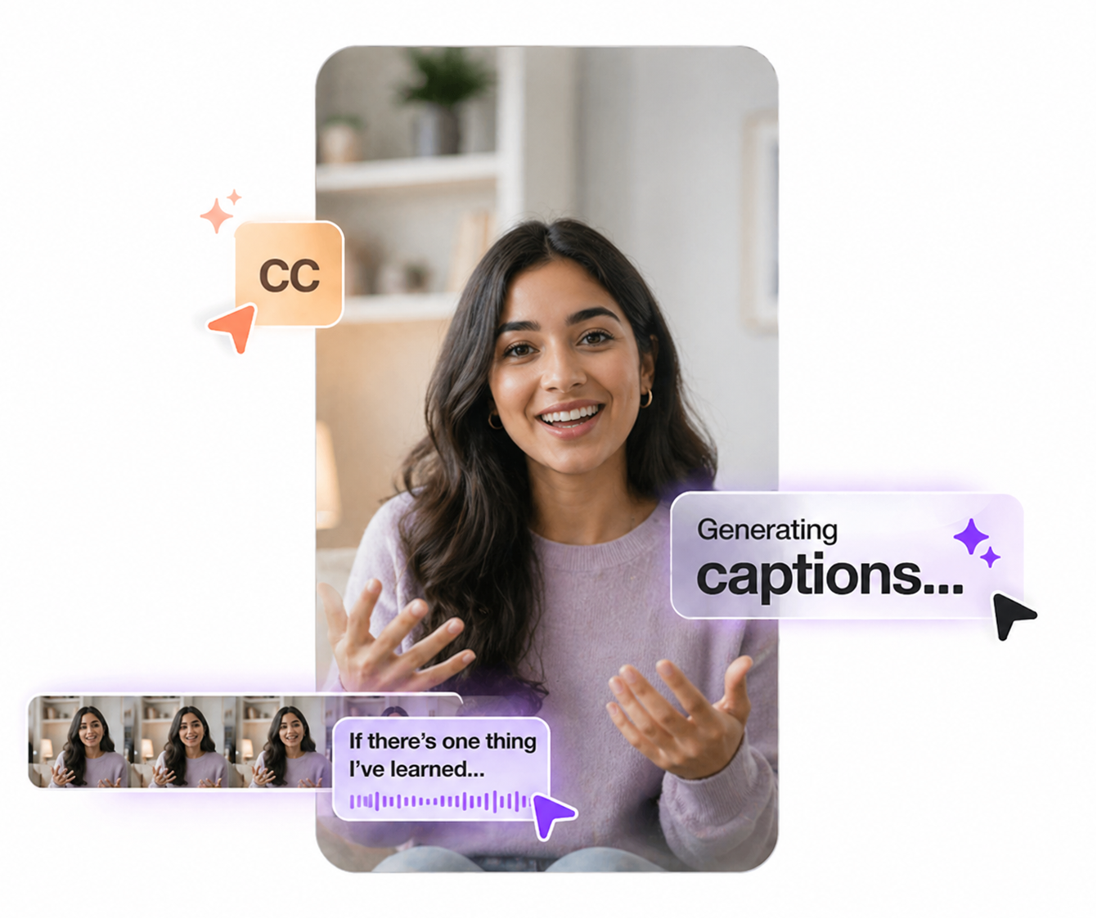
AI-powered Premiere Pro plugin that automatically generates captions with no signup required.

Get 60 Minutes of AI Captions · One-time Payment
User User User User
Works with Premiere Pro 2022+
Used by 2,000+ Video Editors
AI-Powered Caption Generation
No Account Required

Used by creators on

How It Works

Get captions generated in under 60 seconds no learning curve required.

01

Purchase & Download Plugin

Buy a credits pack from our website to instantly download the plugin. Compatible with Premiere Pro 2022 and above.

02

Open Premiere Pro & Click Generate

Open your project in Premiere Pro. Find Qwint Caption in the Extensions panel and click "Generate Captions".

03

AI Instantly Creates Your Captions

Our AI transcribes the audio and places accurate captions directly on your timeline. Edit, style, and export.

Pay Only for What You Use

Simple one-time packs. No subscriptions, no hidden fees.

Starter Pack
₹249
60 minutes of captions
  • ✓ 60 Minutes Credits
  • ✓ Credits never expire
  • ✓ One-time payment
Creator Pack
₹399
180 minutes of captions
  • ✓ 180 Minutes Credits
  • ✓ Credits never expire
  • ✓ One-time payment
Studio Pack
₹499
360 minutes of captions
  • ✓ 360 Minutes Credits
  • ✓ Credits never expire
  • ✓ One-time payment
Secure checkout powered by Razorpay. Credits never expire.

What Video Editors Are Saying

★★★★★
"I used to spend 2-3 hours per video adding captions manually. Qwint Caption does it in literally 30 seconds. This is an absolute game changer for my YouTube workflow."
Arjun S.
Arjun S.
YouTuber · 180K Subscribers
★★★★★
"The accuracy is insanely good. Even technical jargon gets transcribed correctly. And it works inside Premiere Pro no switching tools. Love this!"
Rohan D.
Rohan D.
Video Editor · Freelancer
★★★★★
"Hindi captions work perfectly! I create content in Hindi and English both. Qwint Caption handles code-switching better than any tool I've tried."
Ananya K.
Ananya K.
Content Creator · Delhi

Frequently Asked Questions

Does it work with Premiere Pro 2023 and 2024? +

Yes! Qwint Caption is fully compatible with Adobe Premiere Pro 2022, 2023, and 2024 (versions 22.0 and above). We regularly update the plugin to support the latest Premiere Pro releases, so you'll always be covered.

How accurate are the AI-generated captions? +

Qwint Caption uses state-of-the-art AI transcription that achieves 95-98% word accuracy on clear audio. Accuracy depends on audio quality, background noise, and speaker clarity. We recommend recording in a quiet environment for best results. You can always fine-tune captions directly in Premiere Pro after generation.

Which languages are supported? +

We support 50+ languages including English, Hindi, Spanish, French, German, Portuguese, Japanese, Korean, Arabic, Tamil, Telugu, and many more. The plugin auto-detects the language spoken in your video, or you can manually select a language for best accuracy.

How does the credit system work? +

Credits are measured in minutes of video processed. For example, generating captions for a 5-minute video uses 5 minutes of credits. You get 1 minute free on signup. Top-up checkout is being finalized, and credits will continue to be non-expiring.

What caption formats can I export? +

Qwint Caption places captions directly on your Premiere Pro timeline as editable text layers. You can also export as SRT (SubRip), VTT (WebVTT), or bake captions into your video during export whichever workflow suits you best.

Is my video data secure? +

Absolutely. Your video audio is processed securely and is never stored or used for training purposes. All data is encrypted in transit. We take your privacy seriously see our Privacy Policy for full details.